Dashboard PDF
Here is a guide how to export dashboard PDF in monday.com.
Steps to Export Dashboard to PDF
Steps to Export Dashboard to PDF:
- Open Dashboard: Navigate to the dashboard you want to export.
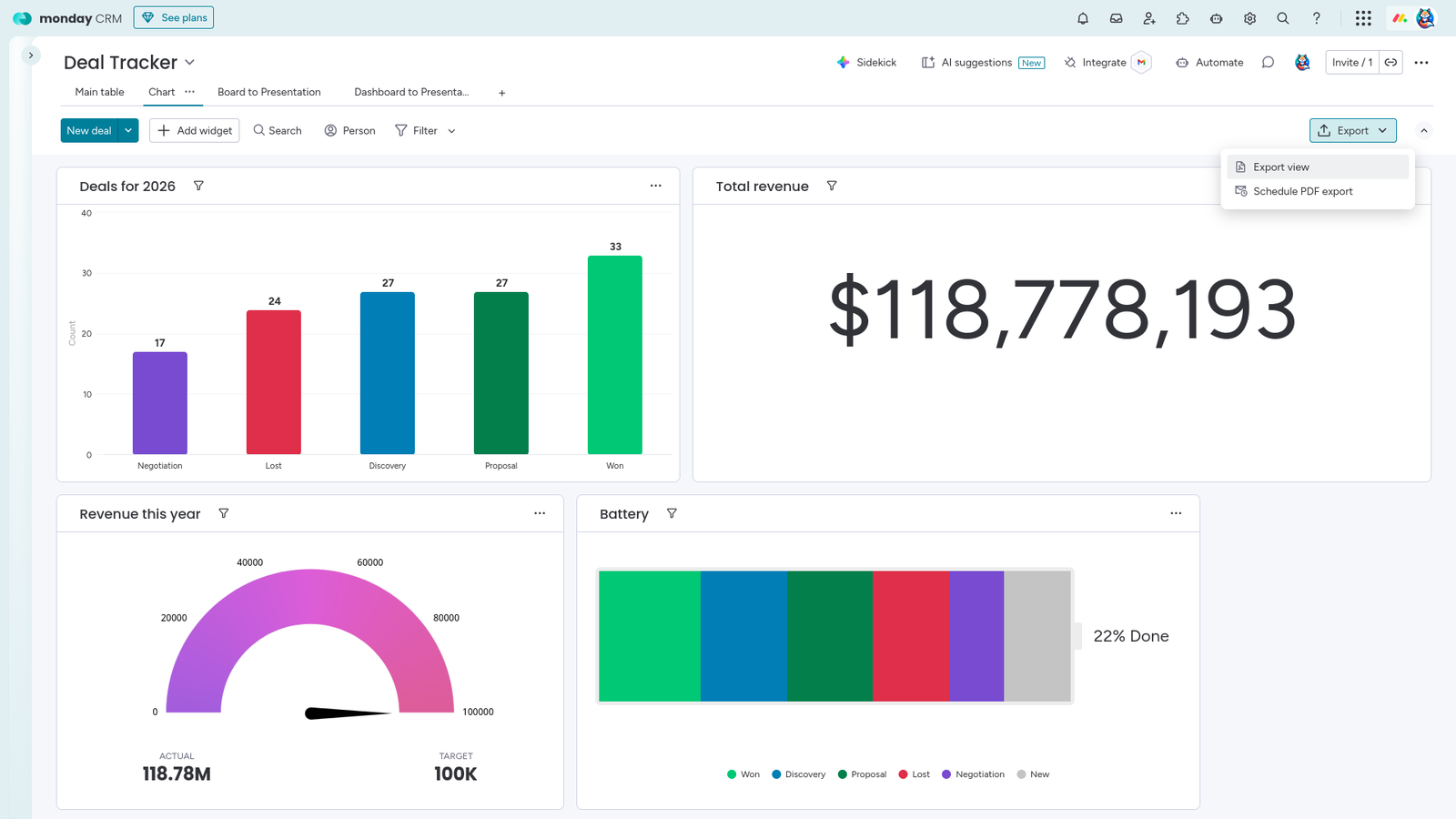
- Export button: Click on "Export" button
- Export view: Select "Export view" option
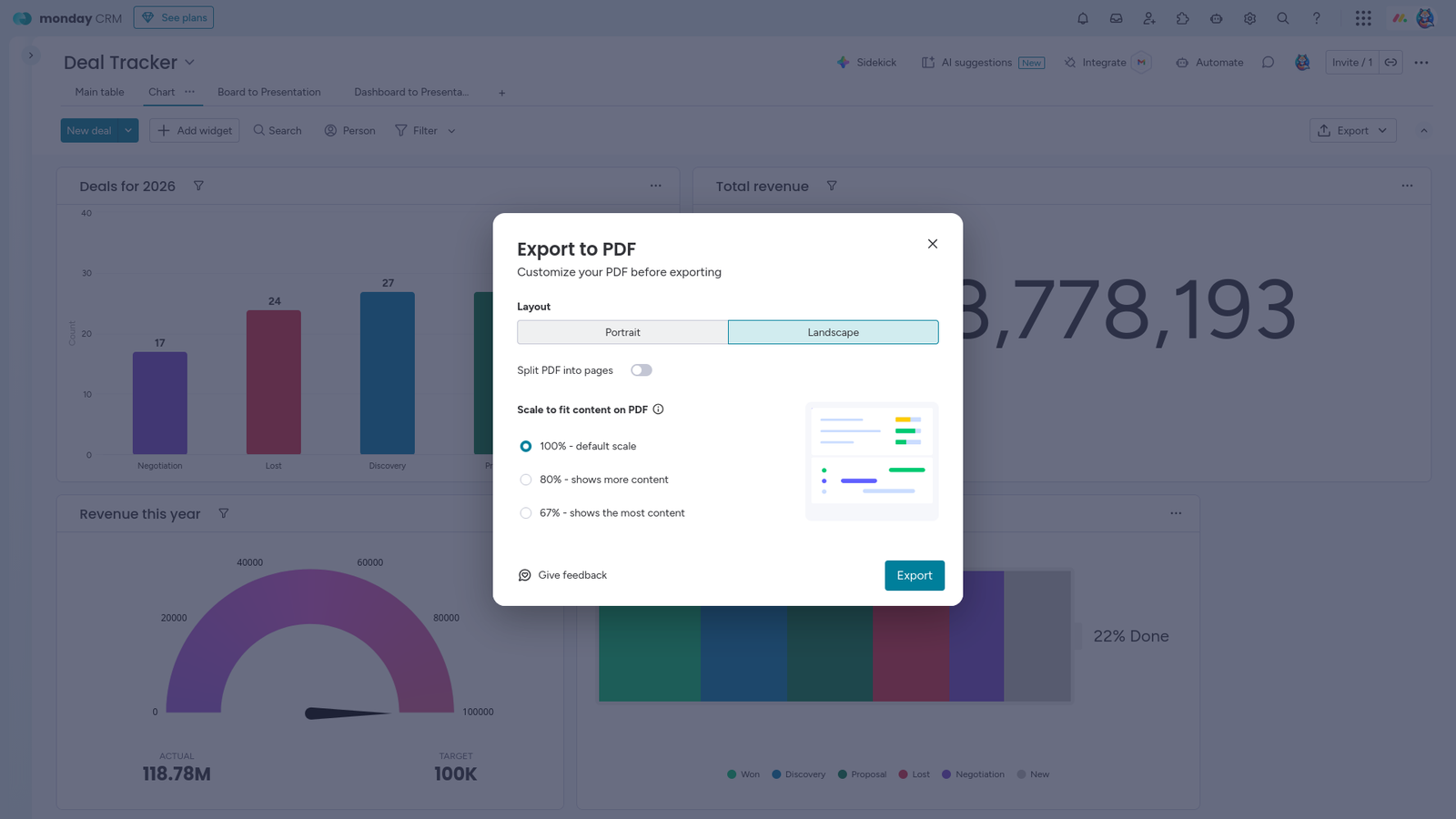
- Configure: Choose layout (e.g., Landscape) and scaling (e.g., 100%) to ensure all widgets are visible.
- Export: Click export to generate the PDF file which can be use in Dashboard to Presentation application.